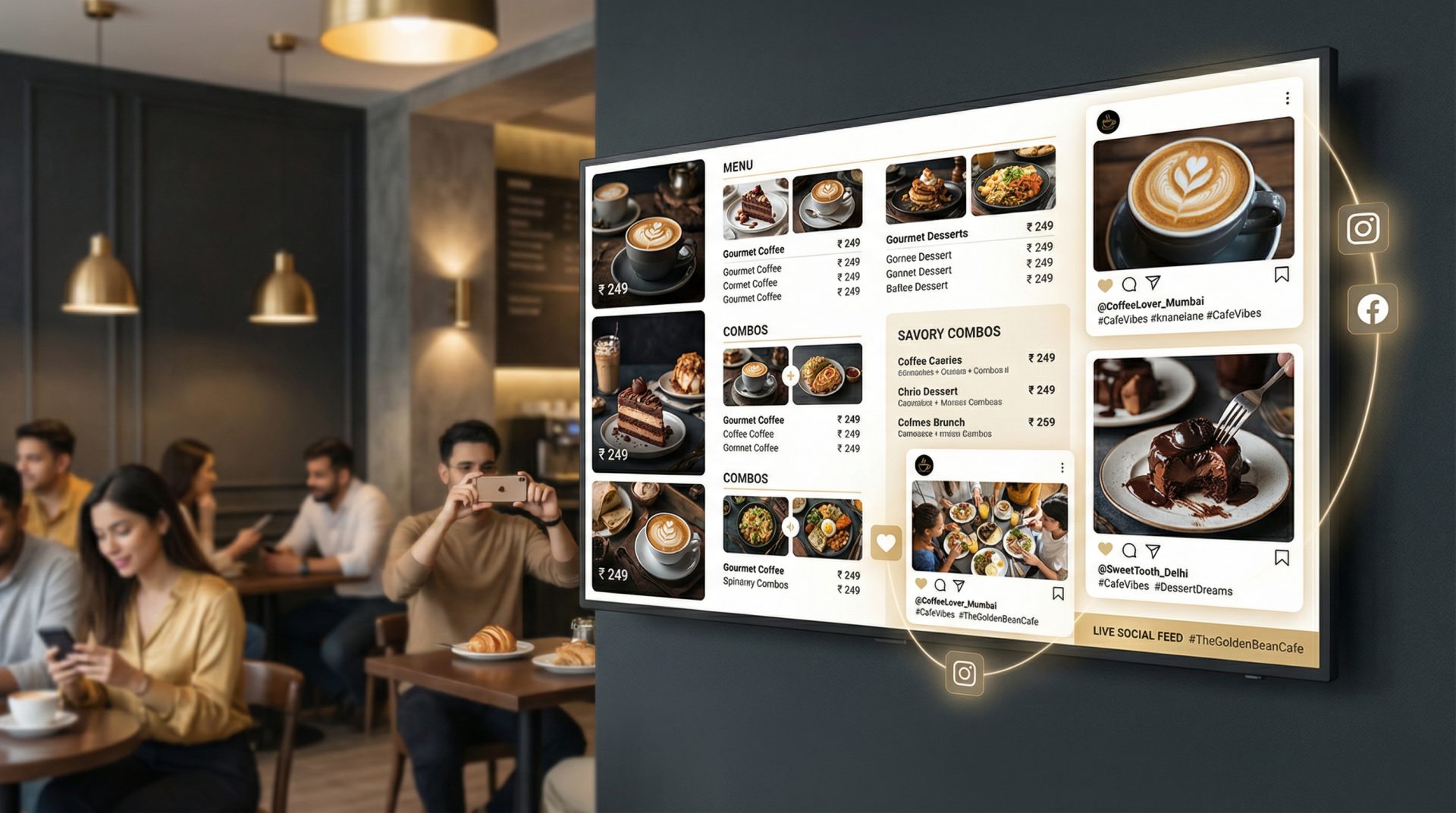
Introduction to Digital Menu Boards
Digital menu boards are dynamic displays used by restaurants to present menus, pricing, promotional offers, and multimedia content. They replace traditional printed menus with vibrant, easily updatable digital screens, improving customer experience and operational efficiency.
Components of a Digital Menu Board System
1. Display Device (TV or Monitor)
The display is typically a commercial-grade TV or monitor installed in the restaurant where customers can easily view the menu. Size and resolution depend on the location and viewing distance.
2. Media Player
A media player is a hardware device (often a small computer or dedicated signage player) that connects to the display and runs the digital signage software. It receives content updates and schedules from the cloud.
3. Cloud-Based Digital Signage Software
This software allows restaurant managers to create, upload, and schedule content remotely via the internet. It supports menu changes, pricing updates, promotional campaigns, and multimedia integration.
Step-by-Step Setup Guide
Prerequisites
- Reliable internet connection at the restaurant
- Power outlets near the display location
- Content assets such as menu images, videos, and pricing details
Setup Steps
- Choose the Display: Select a commercial-grade TV or monitor suitable for your restaurant’s size and lighting conditions.
- Install the Display: Mount the display securely in a visible location, ensuring power and network access.
- Select a Media Player: Choose a compatible media player that supports your chosen digital signage software.
- Connect Media Player to Display: Use HDMI or other supported cables to connect the media player to the display.
- Subscribe to Signmitra Digital Signage Software: Create an account on Signmitra and select a plan that fits your restaurant’s needs.
- Upload Content: Use Signmitra’s cloud platform to upload menus, images, videos, and promotional offers.
- Create and Schedule Playlists: Design playlists for different times of day or special events using the scheduling features.
- Test the Setup: Verify that the display shows the correct content and updates as scheduled.
Cost Considerations in India (2026)
The total cost depends on the number of displays, media players, and the software subscription plan. Approximate costs are:
- Display: ₹20,000 to ₹60,000 per unit depending on size and quality.
- Media Player: ₹5,000 to ₹15,000 per unit.
- Signmitra Software Subscription: Monthly plans starting from ₹1,000, with advanced features at higher tiers.
- Installation and Maintenance: Variable, typically ₹5,000 to ₹15,000 depending on complexity.
Tips for Effective Use
- Keep menu content clear and legible with high-contrast colors.
- Update menus regularly to reflect changes in pricing or availability.
- Use promotional videos and images to attract customer attention.
- Schedule different menus for breakfast, lunch, and dinner to optimize customer experience.
- Monitor system health remotely via Signmitra’s dashboard to minimize downtime.
Troubleshooting Common Issues
Display Not Showing Content
- Check power and HDMI connections.
- Ensure media player is powered on and connected to the internet.
- Verify content schedule on Signmitra dashboard.
Content Not Updating
- Confirm internet connectivity of the media player.
- Check for software updates or subscription status on Signmitra.
- Restart media player if necessary.
Conclusion
Implementing digital menu boards using Signmitra’s cloud digital signage software, combined with suitable displays and media players, offers restaurants in India a flexible, efficient way to manage menus and promotions. With remote updates, automatic scheduling, and multimedia support, restaurants can enhance customer engagement and streamline operations in 2026 and beyond.

